
Android battery optimization has become a critical focus for mobile developers as smartphone users demand longer battery life and smoother performance. Mobile operating systems now monitor how apps consume energy and increasingly highlight inefficient applications to users. With new battery usage labels appearing in app marketplaces and system settings, developers must prioritize energy efficiency in their app design.
These labels can influence user perception and installation decisions. Applications that consume excessive power risk being flagged as inefficient, potentially damaging user trust and reducing downloads. Understanding how to optimize energy consumption is therefore essential for modern Android development.
Why Battery Performance Matters for Apps
Smartphones rely on limited battery capacity to support numerous applications and background processes. Apps that consume excessive energy can shorten device usage time and negatively affect overall user experience.
Android battery optimization strategies help developers reduce resource consumption while maintaining functionality and performance.
1. Reduce Background Processing
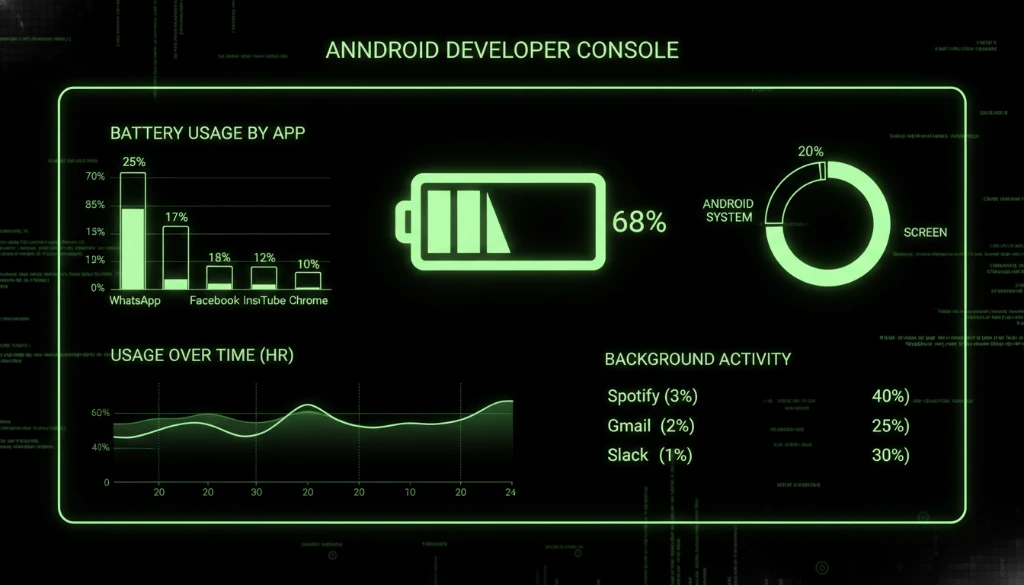
Background tasks are one of the most common causes of battery drain in mobile applications. Services running continuously in the background may consume CPU cycles and network resources even when users are not actively using the app.
Developers should schedule background work efficiently using system frameworks designed to minimize unnecessary processing.
2. Optimize Network Requests
Frequent network calls require radio hardware to activate repeatedly, which consumes additional battery power. Optimizing how applications communicate with servers can significantly improve energy efficiency.
Batching network requests and reducing unnecessary synchronization events can reduce energy consumption.
3. Use Efficient Location Services
Location tracking can quickly drain battery if high-precision GPS is used continuously. Developers should select appropriate location accuracy levels based on application needs.
When possible, applications should rely on lower-power location methods such as network-based positioning.
4. Optimize Rendering and Animations
Graphics processing and complex animations can also affect battery usage. Poorly optimized rendering pipelines increase GPU workload and energy consumption.
Developers should ensure efficient UI rendering and avoid unnecessary animation loops that consume processing resources.
5. Monitor Energy Usage with Development Tools
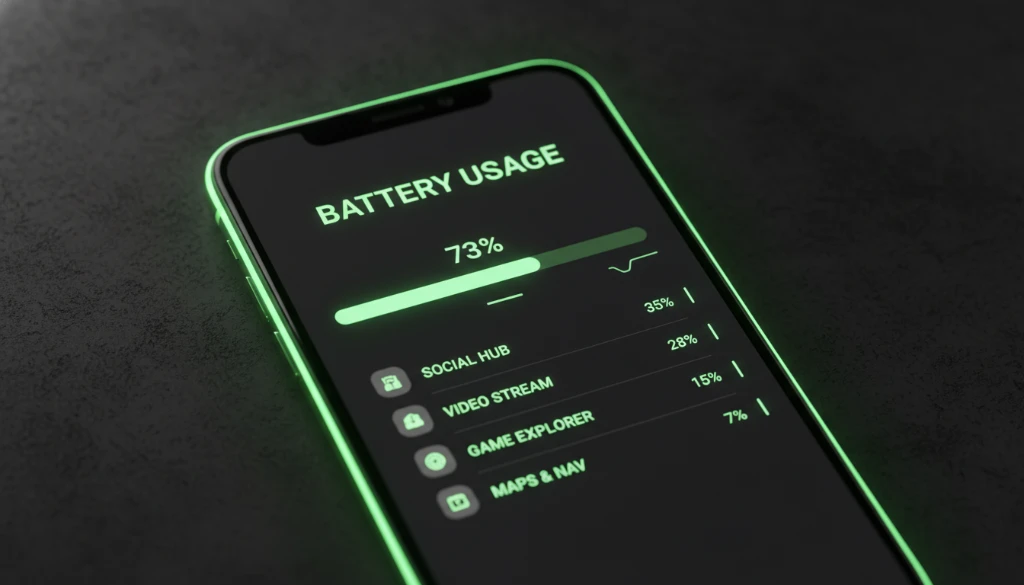
Modern development tools provide detailed insights into application performance and energy consumption. Profiling tools allow developers to identify which components of an application consume the most power.
By analyzing these metrics, developers can refine code and reduce unnecessary operations.
Preparing for New Battery Usage Labels
Operating systems and app stores increasingly provide transparency about app behavior. Battery usage labels give users insight into how applications affect device performance.
Apps that demonstrate efficient resource management are more likely to earn user trust and maintain strong ratings in competitive marketplaces.
Best Practices for Energy-Efficient Apps
Developers should integrate energy optimization into the entire development lifecycle. Efficient coding practices, careful resource management, and continuous performance testing all contribute to better battery performance.
Energy efficiency not only benefits users but also improves the reputation and reliability of mobile applications.
Conclusion: Building Battery-Friendly Applications
Android battery optimization is no longer optional for modern mobile applications. As operating systems introduce transparency tools and usage labels, developers must ensure that their apps use resources responsibly.
Research from Android developer resources highlights best practices for improving energy efficiency in mobile apps.
Learn how DB Soft Tech develops high-performance mobile applications on our About Us page.
Ready to build efficient Android apps? Contact DB Soft Tech to design optimized mobile solutions for your business.